Apr 2, 2026
Photovoltaic system diagram with storage: real benefits, connections, and electrical layout
How to read the single-line and functional diagram, avoid common mistakes, and choose the most suitable configuration.
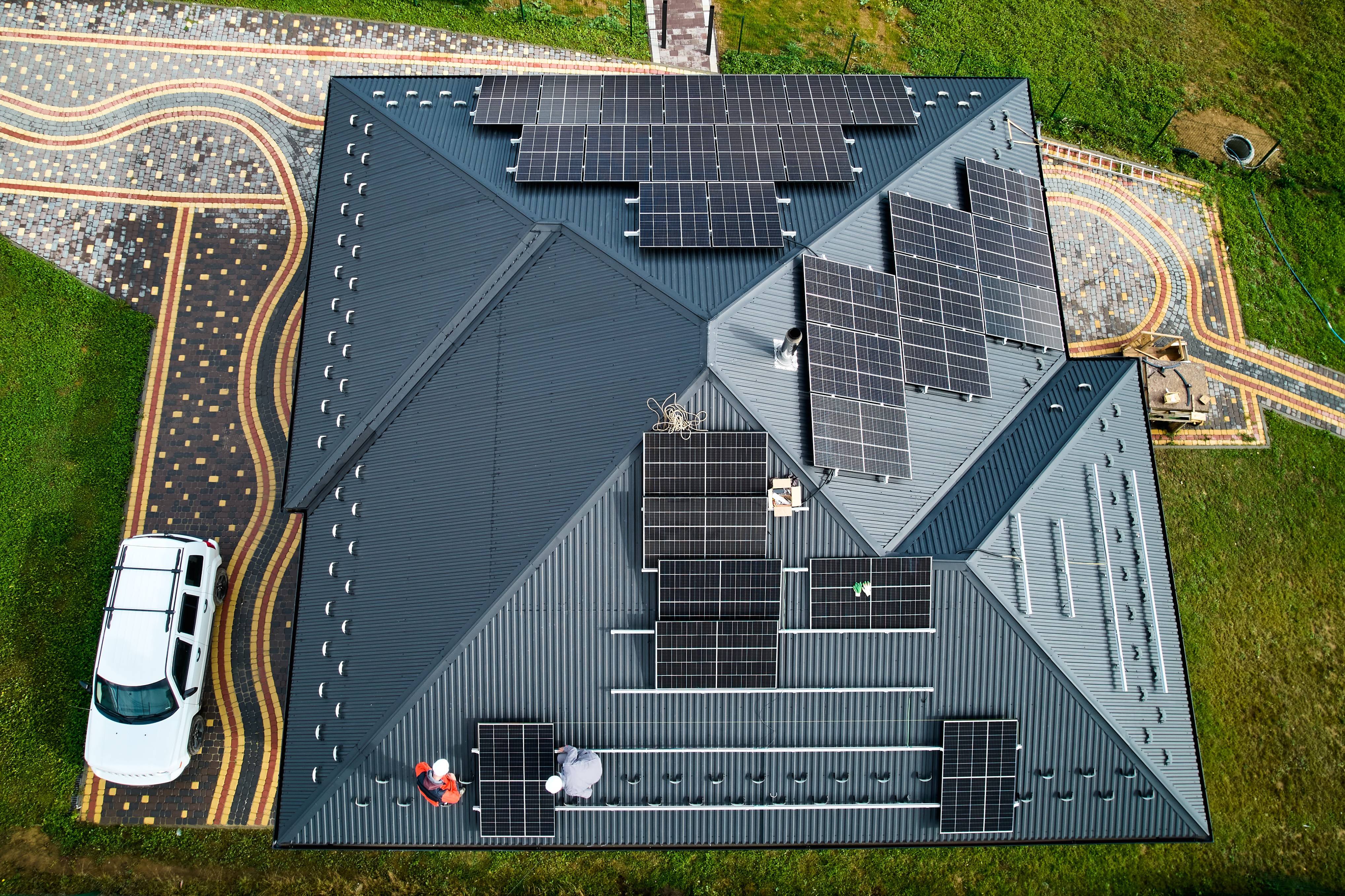
A photovoltaic system diagram with storage is, in practice, the “road map” of energy in the home: it shows where energy comes from, where it goes, and how it is managed between panels, inverter, battery, electrical panel, and the grid. When the diagram is clear, even a technical project becomes much easier to understand, because it lets you see, for example, whether a backup port is included to power essential loads, meaning the appliances and circuits that remain active during a blackout and whether the protection devices are correctly placed in compliance with regulations.
What “the diagram” is and why it is not a single document
The word “diagram” is often used to mean different things. In reality, there are several levels of representation, each with its own purpose.
Functional diagram: the logic before the details
The functional diagram shows the essential blocks and helps you understand the “story” of the energy flow:
the panels produce energy;
the loads consume it;
the battery charges or discharges;
the grid supplies additional power or receives any surplus.
It is a high-level view, useful for understanding priorities and operating scenarios without getting lost in symbols.
Single-line diagram: where you can tell whether the system is designed properly
The single-line diagram puts in black and white:
the DC path (from the panels to the inverter);
the AC path (from the inverter to the panelboard, loads, and grid);
isolation points;
protection devices;
measurement points (meter and CTs).
Wiring diagram: the real connections, terminal by terminal
When the system includes multiple devices, wiring becomes important. This diagram explains what is physically connected where, reducing errors during installation and commissioning.
Communication diagram: without proper communication, the storage system “thinks badly”
With storage, it is not enough for electricity to flow properly: the inverter also needs the right data. That is why the diagram should show:
the measurement point on the grid connection;
the meter data connection;
communication with the battery BMS;
the possible presence of an energy management system.
This is a delicate aspect: the reading of the power drawn from the grid is determined by the position of the meter and its associated current sensor. A sensor installed at the wrong point can cause the inverter to misinterpret the power data.
Elements that appear in the diagram and what they actually do
A complete diagram should not be limited to the “big blocks.” It should also make clear how safety, control, and maintenance are ensured.
Photovoltaic field: panels, strings, and orientations
Panels are not always treated as one undifferentiated group: they are arranged into strings. In the diagram, it is important to see:
how many strings there are;
how they are connected;
which MPPTs of the inverter they are connected to.
This matters because the configuration affects voltage, current, and performance under shading or different orientations.
DC side: isolation and protection
On the DC side, the following usually appear:
surge protection devices (SPDs);
string fuses and an isolator for safe maintenance.
The diagram should clearly show where these elements are positioned, without leaving any “grey areas.”
Inverter: string, hybrid, or separate battery inverter
The inverter is the component that “translates” energy from the panels into electricity that can be used in the home. With storage, battery management is added as well.
String inverter: the classic PV setup without integrated storage.
Hybrid inverter: a single device that manages both PV and battery.
Battery inverter: typically used to add storage to an existing system, operating on the AC side.
The diagram should clearly show:
PV inputs;
battery connection (if present);
output to the electrical panel;
grid connection;
any emergency output (EPS).
Battery: energy and power, two concepts that must be kept separate
This is a point that often causes confusion, so it is worth stating simply:
kWh = how much energy is available in the “tank”;
kW = how much power can be delivered (or absorbed) at any given moment.
Meter and CTs: the inverter’s “point of view”
The meter (with CTs where applicable) is the sensor that tells the inverter what is happening between the home and the grid, in particular, it shows the direction and magnitude of the power flow. It is essential because it guides the control logic:
battery charging when there is surplus;
battery discharging when consumption exceeds production;
export limitation or zero-export mode, if required.
If the meter is badly positioned or the CTs are reversed, the system may do the exact opposite of what is expected. And when that happens, it can seem as if “it doesn’t work,” while often it is simply a measurement issue.
Electrical panel and AC-side protections: safety and reliability
On the AC side, the diagram must show coherent protections and isolation devices. Typically:
RCBOs or circuit breakers with residual-current protection;
AC-side and DC-side SPDs;
grounding and equipotential bonding connections.
Connection layouts: DC-coupled and AC-coupled storage
This is the first major split: where is the battery integrated?
DC-coupled storage with a hybrid inverter
Here the battery interfaces directly on the inverter’s DC side. This is a very streamlined solution for new systems.
How it usually behaves
the panels supply the household loads;
if there is surplus, the battery charges;
if the battery is full, the surplus goes to the grid or is curtailed;
in the evening, the battery discharges, and then the grid takes over once the minimum threshold is reached.
It is an intuitive flow, and the diagram tends to be more compact.
How to choose by reading the diagram
In general:
new system: a layout with a hybrid inverter is often preferable, if compatible with the chosen battery;
existing system: AC-side storage is often the simplest route for adding a battery;
need for backup: this must be explicitly shown in the diagram, otherwise it is not guaranteed.
Backup and EPS: when the battery can power the house during a blackout
It is important to say this plainly: many systems with storage do not power the home during a blackout, because the inverter disconnects from the grid for safety reasons.
Without backup: no grid, no power
If the diagram does not include an emergency section, the house will not be powered during a blackout, even if the battery is fully charged.
With backup: essential-load panel and dedicated output
When backup is included, the diagram shows characteristic elements such as:
EPS output;
a separate “essential loads” panel;
switching and interlocking logic.
In emergency conditions, only selected loads are supplied, because the available power is limited. And, looked at carefully, this is a reasonable choice: better to power what really matters properly than to try to run everything and risk shutdowns.
Single-phase and three-phase: what really changes
Single-phase: more immediate to read
In a single-phase system, flows and measurements are more straightforward. The diagram is often simpler, and power management is intuitive.
Three-phase: per-phase measurements and balancing issues
In a three-phase system, the following come into play:
measurements on all three phases;
loads distributed in ways that are not always uniform;
possible per-phase limits, especially in emergency mode.
The diagram must make the architecture and load management clear and technically credible.
Four scenarios to understand whether the diagram “makes sense”
A good way to check a diagram is to imagine four practical situations.
Full sun: surplus and battery charging
If the system is set up correctly, the loads are powered first, then the battery charges, and only after that is any surplus managed.
Low production: battery and grid alternate
When PV production is not enough, the battery provides support. If consumption rises beyond the available power, the grid supplies the missing part.
Evening: the battery covers demand as long as it can
This is where the limits and the consistency between expectations and sizing become clear: minimum SOC threshold, discharge power, and usable capacity determine how much demand can actually be covered.
Blackout: only if backup is designed in
If the diagram does not include an EPS section and an essential-loads panel, there will be no power during a blackout. It is simple, but worth remembering.
Sizing “as seen from the diagram”: a pragmatic approach
PV and inverter: string and MPPT compatibility
String arrangement and inverter matching must respect voltage/current limits and make the most of orientation and real operating conditions.
Battery: capacity alone is not enough, power matters too
If the goal is to cover evening consumption, usable capacity matters. If the goal is to smooth peaks, power matters. An effective system balances both.
Backup: load selection and inrush current management
For backup, the right loads must be selected and startup surges must be considered. The diagram should reflect this choice with a clear separation of circuits.
Useful integrations: load management, monitoring, and EV charging
When the diagram includes:
relays/contacts to activate loads when there is surplus;
an energy management system with advanced measurements;
a wallbox with dynamic power control,
the system becomes more “intelligent” and waste and unwanted trips are reduced. It is one of those cases where, to put it informally, “the system is made to work smart.”
How to read a diagram without getting lost: a quick method
A practical path always works:
identify the topology (DC or AC; with or without backup);
find the measurement point and CT direction;
follow the DC path to the inverter;
follow the AC path to the electrical panel and the grid;
check protections and isolation devices;
verify consistency between power ratings (PV, inverter, battery, essential loads).
With this sequence, even a “busy” diagram becomes readable.
Typical mistakes that reduce performance and reliability
incorrect measurement (meter/CTs): the battery operates poorly and self-consumption drops;
inconsistent protections: nuisance tripping, maintenance difficulties, vulnerability to transients;
confusing kWh and kW: misaligned expectations and real-world performance below what was imagined;
backup not designed in: battery installed, but no power during a blackout.
A well-designed diagram makes the system more transparent: it clarifies connections, protections, measurements, and behavior in every scenario. And that is good news: when the diagram is clear, decisions become easier and more confident, because they are based not on impressions, but on logic that can be read and verified.
Ultimately, that is the real advantage: with the diagram in front of you, the system is no longer a “black box,” but a system that can be understood, improved, and, with the right choices, made truly effective.
Purchase your EV Charger
Our expert will contact you to offer you the most suitable solution for you.